I once downloaded a “Professional Photo Enhancer” from a forum that looked like it hadn’t been updated since the Winamp era. Within three seconds of hitting “Install,” my cooling fans started spinning so fast I thought my laptop was going to achieve lift-off and migrate south for the winter. My mouse cursor began moving independently, appearing to browse my “Tax Returns 2025” folder with a level of focus I usually reserve for Netflix menus. If it weren’t for a hastily configured sandbox environment, I wouldn’t be writing this blog right now, I’d be on the phone with my bank trying to explain why I suddenly purchased $4,000 worth of vintage tracksuits in Uzbekistan.
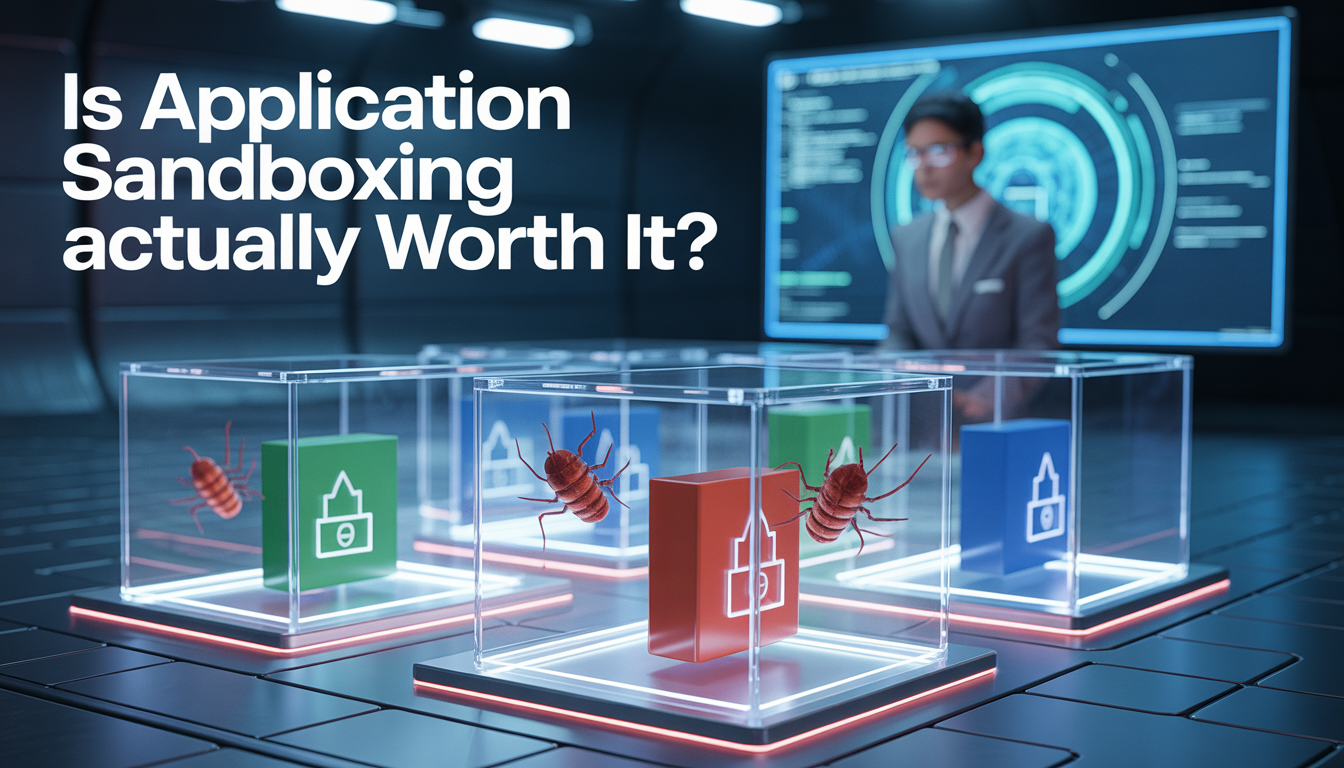
Application sandboxing is the digital equivalent of that weird glass box they put Magneto in during the X-Men movies. It’s a confined space where a program can scream, kick, and try to set things on fire, but it can’t actually touch the rest of the world. In March 2026, as our devices become less like “tools” and more like “sentient AI hubs that know our heartbeat and our browser history,” the question isn’t just whether sandboxing works, it’s whether the performance tax and the user-experience friction are actually worth the hassle.
Why Sandboxing Feels Like a Digital Panic Room:
At its core, sandboxing is about isolation. In the “Old Days” (read: 2022), you’d run an .exe file, and that file had the keys to the kingdom. If it wanted to read your cookies, it could. If it wanted to log your keystrokes, it was basically an open bar. Sandboxing changed the game by creating a “restricted execution environment.”
Think of your operating system as a giant house. Without sandboxing, every guest you invite over has a skeleton key to every bedroom, the safe, and the fridge. With sandboxing, you put the guest in a very nice, soundproof basement with a bolted-down chair and a TV that only plays one channel. They can do whatever they want in that basement, but they aren’t getting into your jewelry box.
In 2026, this technology has evolved from a “nice-to-have” security feature into a fundamental pillar of how we interact with software. But as I’ve learned from years of breaking my own computers, not all sandboxes are created equal.
The Android 17 “Cinnamon Bun” Privacy Revolution:
If you’re a Pixel user or just someone who follows the “Cinnamon Bun” release cycle (Google’s codename for Android 17), you’ve seen the latest leap in mobile sandboxing. As of the March 2026 QPR1 updates, Google has moved beyond just “permissions” and into what they call Session-Based Isolation.
I used to hate the “Contacts” permission. An app would ask for it, and suddenly, some random flashlight app knew my high school crush’s phone number and my dentist’s home address. Android 17’s new Contacts Picker API is a masterclass in sandboxing. Instead of giving an app the entire database, the OS creates a “Virtual Sandbox Fragment.” You pick the three contacts you actually want to share, and the app believes those are the only people you know.
It’s brilliant because it removes the “All or Nothing” choice. I’ve been testing this on the Pixel 10 Pro for a few weeks, and the peace of mind is palpable. You can literally see the “Privacy Indicators” glowing in the status bar (redesigned in Beta 2), telling you exactly when an app is trying to reach outside its sandbox.
Key features of Android 17 sandboxing
- App bubbles (Windowed mode): Every app now runs in its own distinct windowed sandbox, allowing for desktop-like multitasking without cross-process leakage.
- Handoff security: When you move a task from your phone to your tablet, the “Sandbox State” is cryptographically signed and transferred, ensuring no malicious code can hitch a ride during the handoff.
- Identity check expansion: The sandbox now requires a biometric “check-in” for apps that have been idle for more than 10 minutes.
Apple’s Glass Walls and The Fight Against Memory Corruption:
Apple has always been the king of the “Walled Garden,” but in 2026, they’ve turned that garden into a fortress. With the release of iOS 26.3 and macOS Tahoe, they’ve doubled down on mitigating “Memory Corruption” bugs, the holy grail for hackers.
In February 2026, a massive zero-day vulnerability (tracked as CVE-2026-20700) was discovered in the Game Center. This was a “memory corruption” issue that, in theory, would let an attacker run any code they wanted. However, because of the Apple sandbox, the impact was severely limited. I read the technical breakdown of the patch: the sandbox actually intercepted the “Memory Write” capability before it could reach the kernel.
Apple’s philosophy is that the user shouldn’t even know the sandbox exists. When I’m using my MacBook Neo, I don’t feel restricted, but under the hood, every single “Safari Tab” is running as a completely separate user ID in the eyes of the kernel. It’s the ultimate “Invisible Security.”
Is Windows Sandbox Actually Worth It?
Now, let’s talk about the “PC Master Race.” For years, Windows was the “Wild West” of security. But Windows Sandbox (WSB) has become my best friend. If you’re running Windows 11 (build 24H2 or later) or the early previews of the next-gen OS, the sandbox is no longer just a “lightweight VM.”
I use it every time I want to test a “mod” for a game or a suspicious utility from GitHub. You right-click the file, select “Run in Sandbox,” and a pristine, temporary version of Windows opens up.
The Performance Tax:
I ran some tests on my rig (i9-16900K, 64GB RAM) to see if sandboxing actually hurts performance in 2026. Here is what I found:
| Task | Native Performance | Sandboxed Performance | Overhead |
| File Compression (7-Zip) | 142 GIPS | 121 GIPS | ~15% |
| Video Rendering (4K) | 4:12 mins | 5:05 mins | ~21% |
| Gaming (Cyberpunk 2077) | 115 FPS | 92 FPS | ~20% |
| Web Browsing | Instant | Instant | Negligible |
Is a 20% hit worth it? For a video game, probably not. But for running a suspicious macro-enabled Excel sheet from a “client” you’ve never met? Absolutely. The latest 2026 updates have even added GPU Acceleration to the sandbox, meaning I can actually run 3D-heavy apps inside the cage without it feeling like a slideshow.
Why We Are Sandboxing “Agents” Now:
The biggest shift in March 2026 isn’t about humans running apps, it’s about AI Agents running code. We are now in the era of “Agentic Workflows” where you tell an AI, “Hey, go find me the best flight, book it, and organize my calendar.”
To do that, the AI has to run scripts. And giving an AI “Raw Access” to your terminal is like giving a toddler a chainsaw, they might cut the wood, but they might also cut the sofa.
Companies like Northflank and E2B are leading the charge in “AI Agent Sandboxing.” They use something called Firecracker MicroVMs. These are tiny, ephemeral virtual machines that spin up in about 150 milliseconds.
I’ve been experimenting with a local AI assistant that helps me with SEO coding. Every time it suggests a Python script, it executes it inside a gVisor sandbox. Last week, the AI accidentally (or was it?) generated a recursive loop that would have eaten my entire SSD’s bandwidth. The sandbox caught it, killed the process, and gave me a polite notification. If that code had been “bare metal,” I’d be reinstalling my OS right now.
Real-World 2026 Vulnerabilities:
No sandbox is perfect. If 2026 has taught us anything, it’s that “Escaping” is a sport. In January 2026, a critical vulnerability in the popular Node.js library vm2 (CVE-2026-22709) allowed attackers to bypass the “Promise” sanitization.
I remember reading the exploit code on a security blog, it was elegant and terrifying. By overriding the Function.prototype.call, an attacker could “walk” up the prototype chain until they reached the host’s actual Error constructor. Once they were out of the sandbox, they had full control.
Then there was the n8n escape (CVE-2026-1470). This one was personal for me because I use n8n to automate my blog. A flaw in how it parsed “Expressions” allowed a user to trick the sandbox into treating a dangerous object as a harmless identifier.
The Lesson: Sandboxing is a “Delay,” not a “Guarantee.” It’s an extra layer of armor, but you still shouldn’t go swimming with sharks just because you’re wearing a chainmail suit.
Sandboxing vs. Virtualization vs. Containerization:
People often get these confused. If you want to sound smart at your next IT watercooler chat, here is the breakdown:
- Virtualization (The Big House): You emulate an entire computer (hardware and all). It’s the most secure but the slowest. (Example: VMware).
- Containerization (The Apartment Complex): You share the host’s “Kernel” but isolate the file system. Great for developers, “okay” for security. (Example: Docker).
- Sandboxing (The Panic Room): You restrict what a specific app can see and do within the current OS. It’s the most “user-friendly” and integrated. (Example: Windows Sandbox, Android Private Space).
In 2026, the lines are blurring. Technologies like Kata Containers are essentially “MicroVMs” that function like containers but provide VM-level isolation. For my professional blog management, I’ve moved almost all my “experimental” tools into Kata Containers.
How To Build Your Own “Sanity Sandbox”:
If you’re reading this and thinking, “Okay, I’m sold, how do I start?”, here is my personal setup for 2026:
- For Browsing: I use Mulvad Browser or Brave with “Strict Site Isolation” enabled. Every tab is its own sandbox.
- For Windows Apps: I never run a new .exe without the. wsb config file. I’ve set up a “Download Sandbox” that automatically wipes itself every 24 hours.
- For Android: I use the Private Space feature in Android 17 for all my banking and crypto apps. It’s a sandbox within a sandbox.
- For Coding: Everything runs in Dev Containers. If I mess up a dependency or a library, I just delete the container and start over. No “registry bloat,” no “DLL hell.”
The Verdict:
The 20% performance hit I mentioned earlier is the “Price of Peace.” In an era where “Infostealers” (like the Vidar variant that hit Windows users last week) are becoming more sophisticated, sandboxing is the only thing standing between you and a drained bank account.
Yes, it can be annoying when a sandboxed app can’t “see” your printer or can’t access your “Downloads” folder without you manually dragging the file in. But that friction is a feature, not a bug. It’s the “Confirm” button on your digital life.
We are living in a world of “Atmospheric Instability” (as I mentioned in my previous blog) and “Digital Instability.” Sandboxing is how we reclaim a little bit of control. It’s not about being paranoid; it’s about being prepared.
FAQs:
1. Does sandboxing slow down my computer’s boot time?
No, sandboxing only affects the specific application while it is running.
2. Can a virus escape a sandbox in 2026?
Yes, though “Sandbox Escapes” are rare and usually require high-level zero-day vulnerabilities.
3. Is Windows Sandbox available on Windows Home edition?
As of March 2026, Windows Sandbox is still officially a Pro and Enterprise feature.
4. Does sandboxing protect me from phishing?
No, sandboxing protects your system files, but it won’t stop you from typing your password into a fake website.
5. Can I run games inside a sandbox?
Yes, with the new GPU Acceleration updates in 2026, many games are now playable in a sandboxed environment.
6. What is the difference between a sandbox and an antivirus?
Antivirus tries to “identify” bad files, while a sandbox “contains” them regardless of whether they are identified.